Starter kits
Starter kits provide example implementations of common canvas-based use cases. Use them to prototype ideas or as the foundation for new projects. The source code is yours to hack on.
Create with tldraw
You can access starter kits using the npm create tldraw@latest command:
npm create tldraw@latestOr by using a template repository on GitHub.
Available kits
Workflow
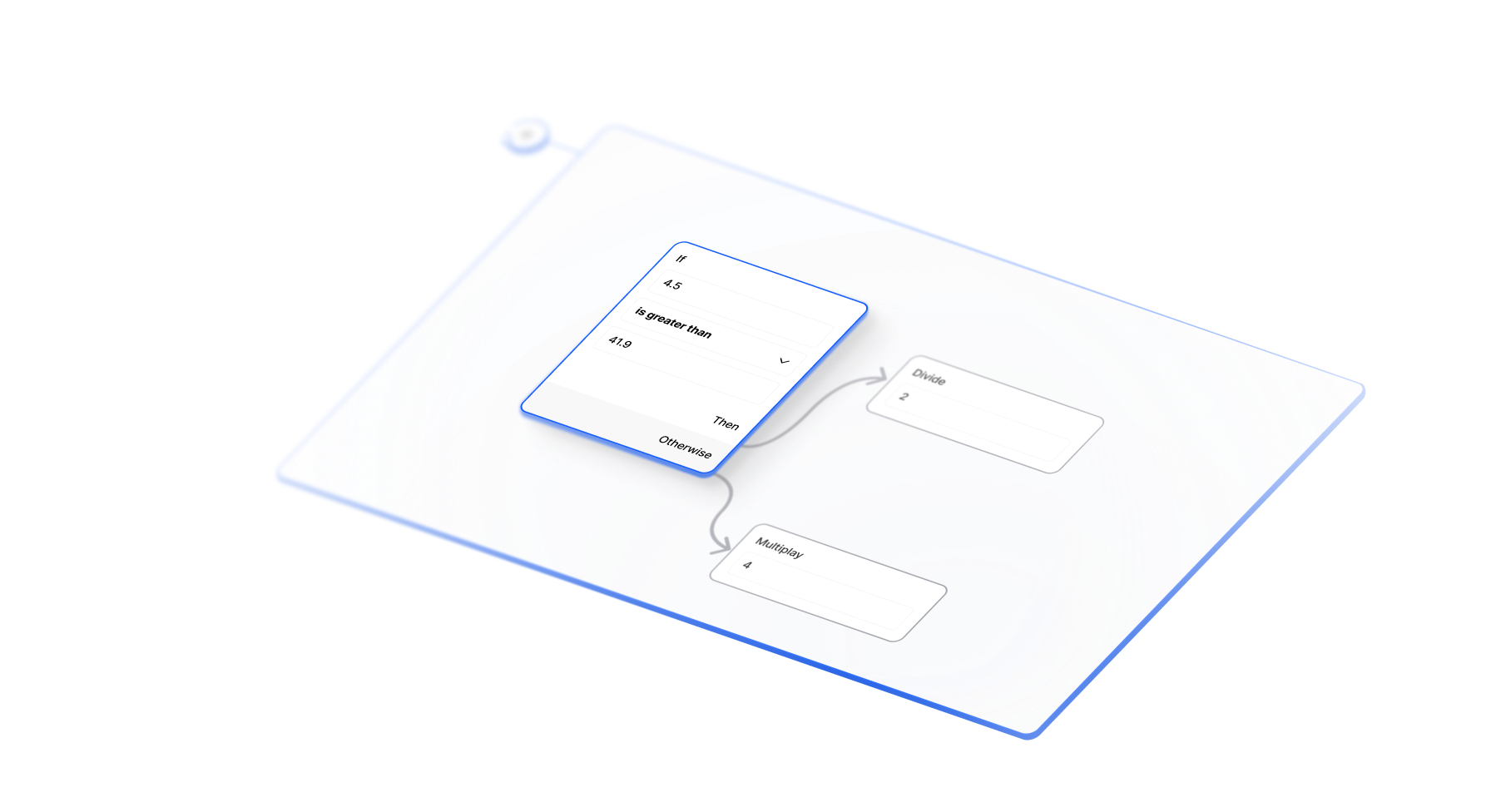
Build visual tools where users drag, connect, and execute nodes on the canvas. Includes node and connection shapes, automatic connection routing, and a replaceable execution engine.
AI and agentic workflows
Build visual AI pipelines where agents process data through connected nodes.
Automation platforms
Create no-code automation tools where users visually connect services and data transformations.
Data processing pipelines
Design ETL tools where users drag nodes to transform, filter, and route data between sources and destinations.
Visual programming interfaces
Build domain-specific scripting environments where complex logic becomes intuitive drag-and-drop workflows.
Interactive diagramming tools
Create specialized diagram builders for database design, circuit boards, or business process flows with executable functionality.
Chat
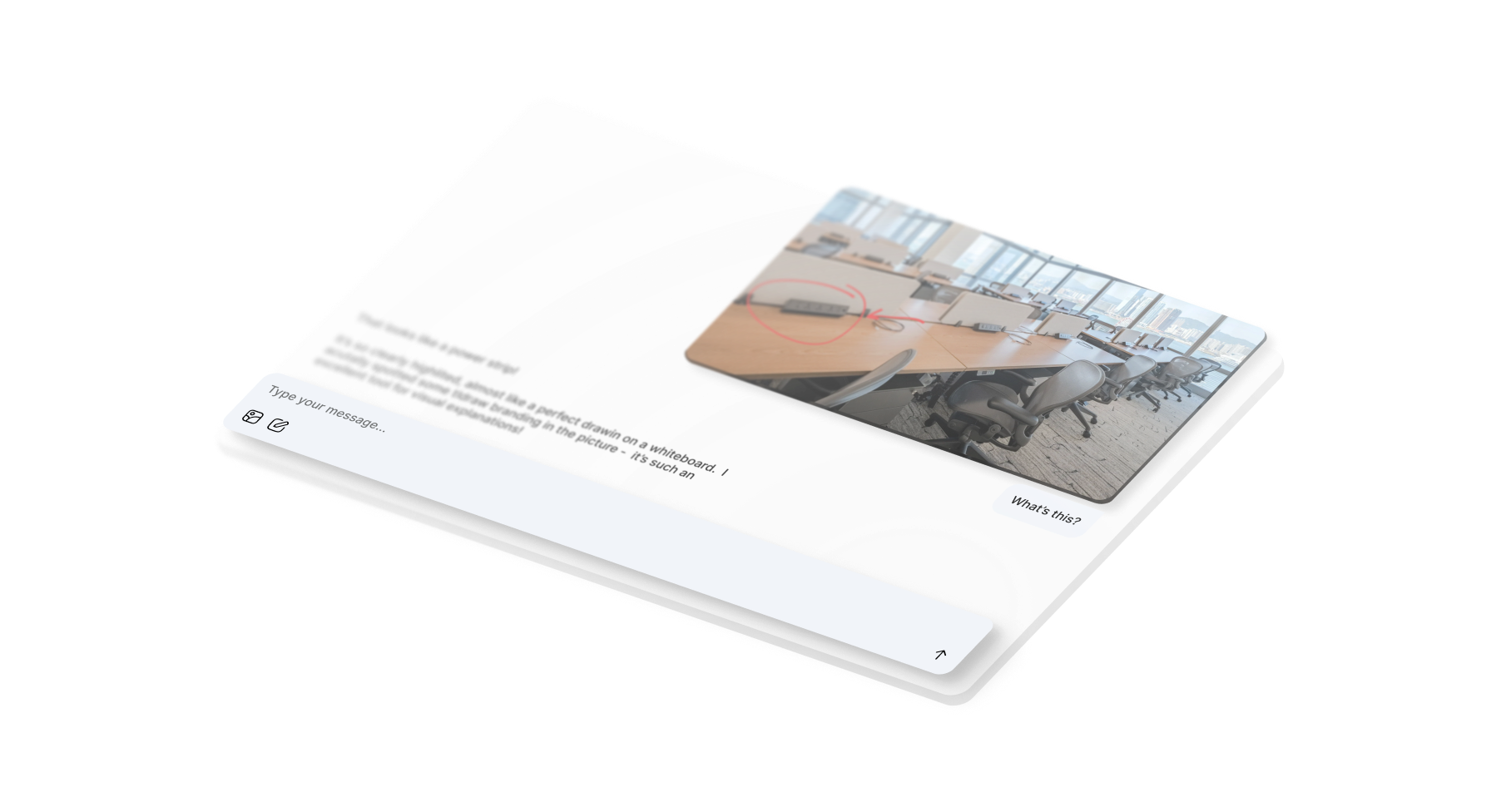
A canvas for sketching, annotating, and marking up images before sending them to an AI chat.
AI chat apps
Add visual context to conversational AI by letting users sketch diagrams, annotate screenshots, and draw concepts to supplement text conversations.
Design feedback apps
Add annotation to your design review tools so teams can mark up mockups, wireframes, and prototypes within chat conversations.
Educational platforms
Add drawing capabilities to tutoring interfaces so students can sketch math problems, create diagrams, and get visual help.
Documentation systems
Add visual markup to help desk or support chat so users can annotate screenshots and create flowcharts.
Content creation tools
Add sketching and annotation to creative collaboration platforms so teams can mark up references and brainstorm visually.
Agent
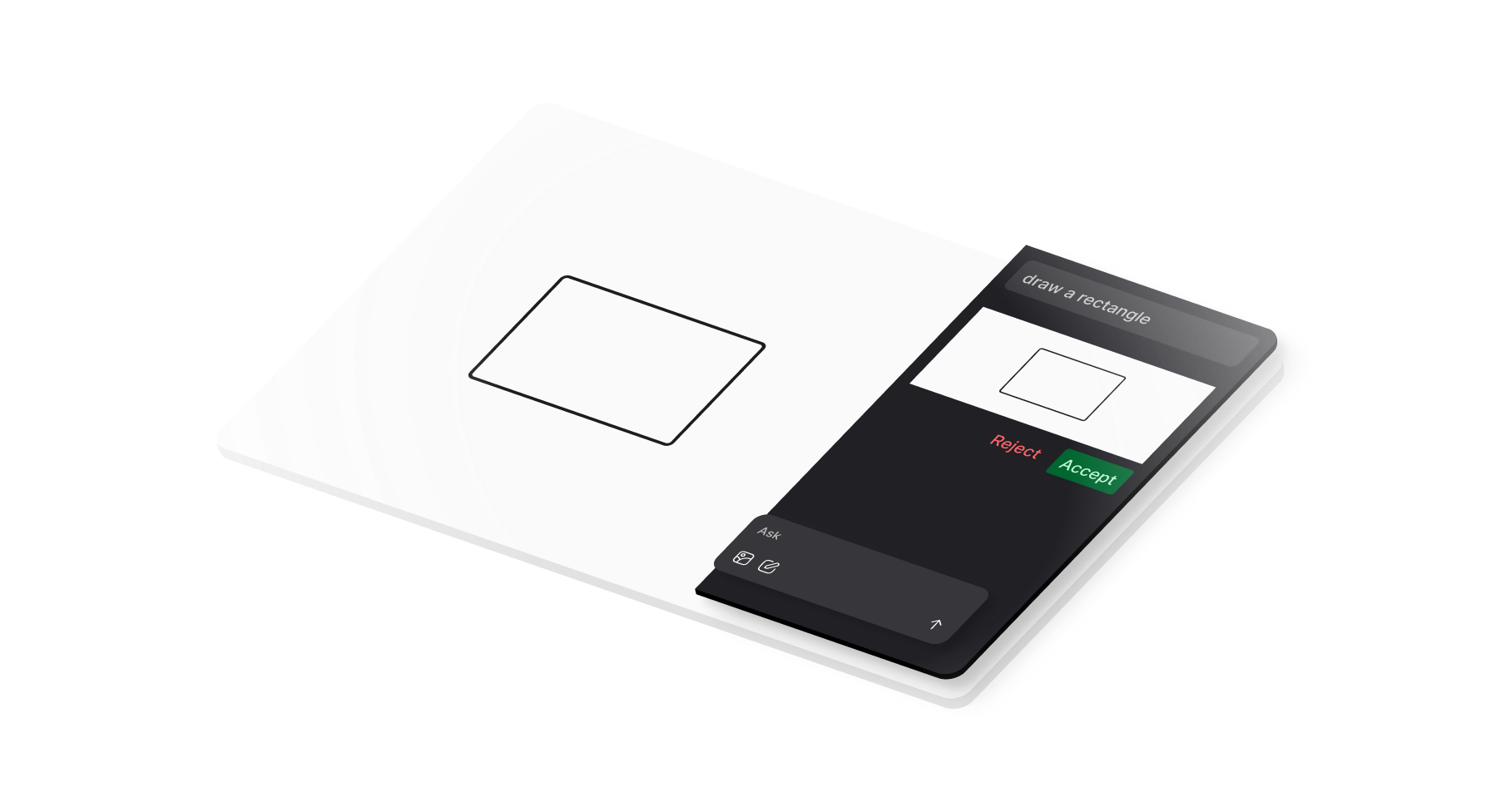
An AI agent that interprets and manipulates drawings and other elements on the canvas.
Visual AI assistants
Create AI agents that can read, interpret, and modify drawings while providing analysis, insights, and automated annotations.
Diagram generation tools
Build systems that automatically generate flowcharts, system architecture diagrams, or technical illustrations from text descriptions.
Shape recognition systems
Develop applications that identify and classify hand-drawn shapes, converting sketches into structured digital content.
Image pipeline
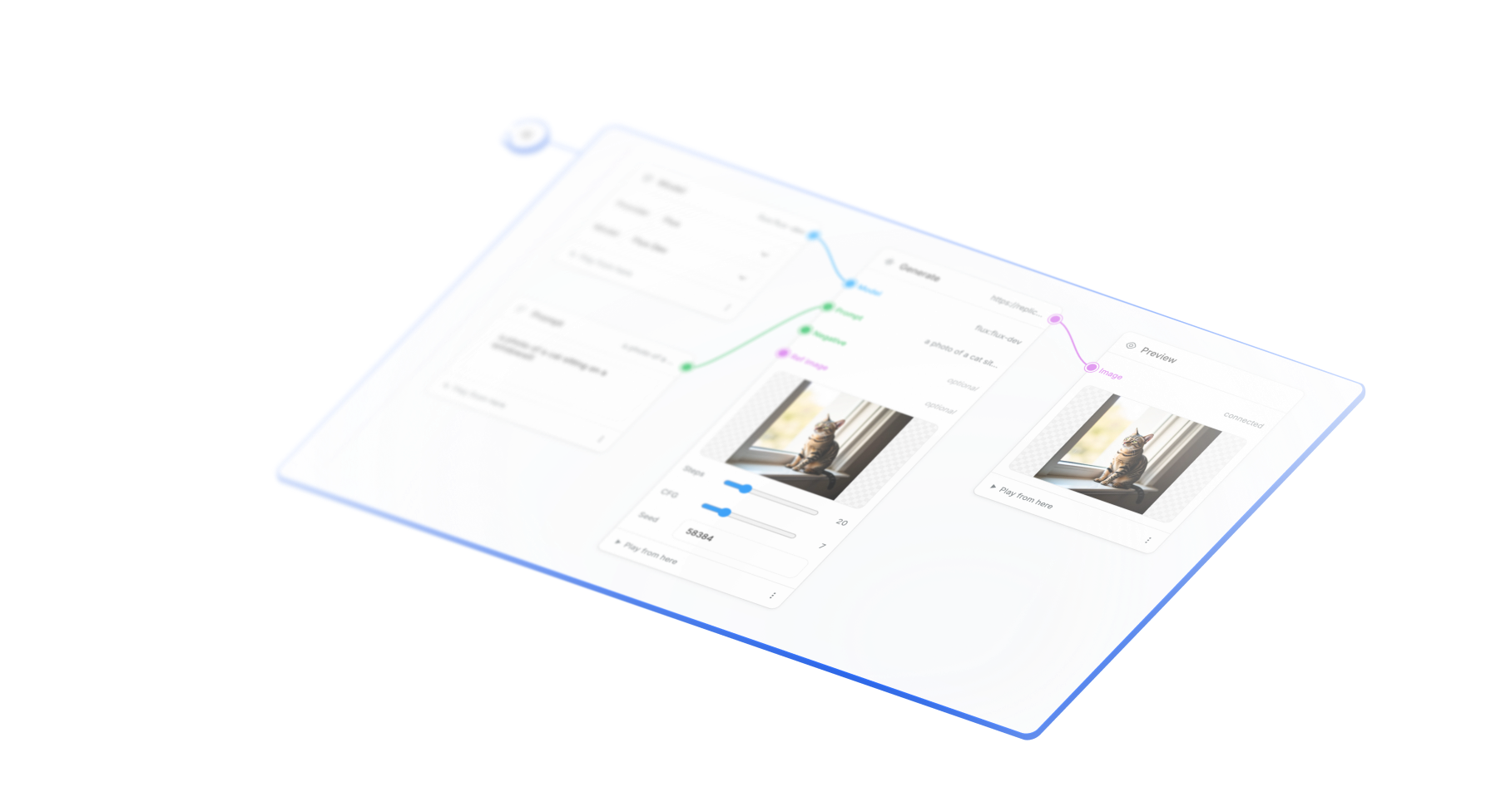
Visual node-based builder for AI image generation pipelines. Chain prompts, models, and processing steps to create complex image workflows with real-time preview.
AI image generation tools
Build visual pipeline builders where users chain prompts, models, and processing steps to create and iterate on AI-generated images.
Image processing workflows
Create node-based editors for multi-step image manipulation combining upscaling, style transfer, blending, and adjustments.
Creative asset pipelines
Design visual tools for generating and refining creative assets through connected processing nodes with real-time preview.
Batch image generation
Build interfaces that iterate over prompt variations, generating multiple images from parameterized pipelines.
Visual prompt engineering
Create interactive environments for exploring how different models, parameters, and prompt combinations affect image outputs.
Branching chat
A visual branching conversation interface for creating interactive chat trees with AI integration.
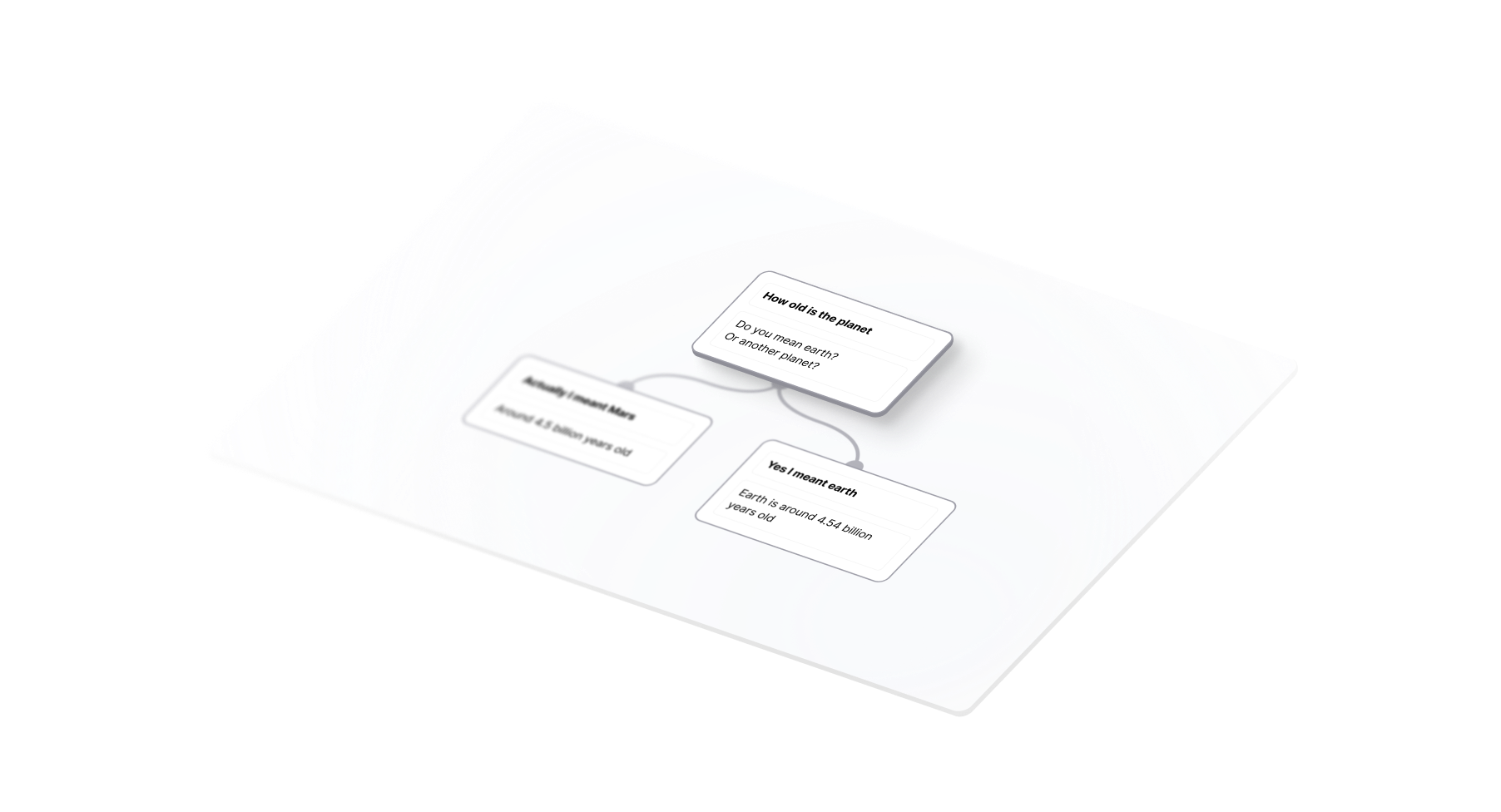
Interactive chatbots
Create conversational AI interfaces with multiple dialogue paths where users can explore different response branches and see how conversations evolve in different directions.
Conversation design tools
Build visual prototyping environments for UX designers to map out chatbot flows, customer service scripts, or user interaction patterns before implementation.
Interactive storytelling
Develop choose-your-own-adventure applications where narrative branches visually connect, allowing readers to see story paths and backtrack through different choices.
Training simulations
Create educational tools with branching scenarios for customer service training, medical diagnosis practice, or sales conversation rehearsal with AI-powered responses.
AI agent workflows
Design complex AI assistant interfaces where conversation history and context branch based on user choices, enabling sophisticated multi-turn dialogue management.
Multiplayer
Self-hosted tldraw with real-time multiplayer collaboration powered by tldraw sync and Cloudflare Durable Objects.
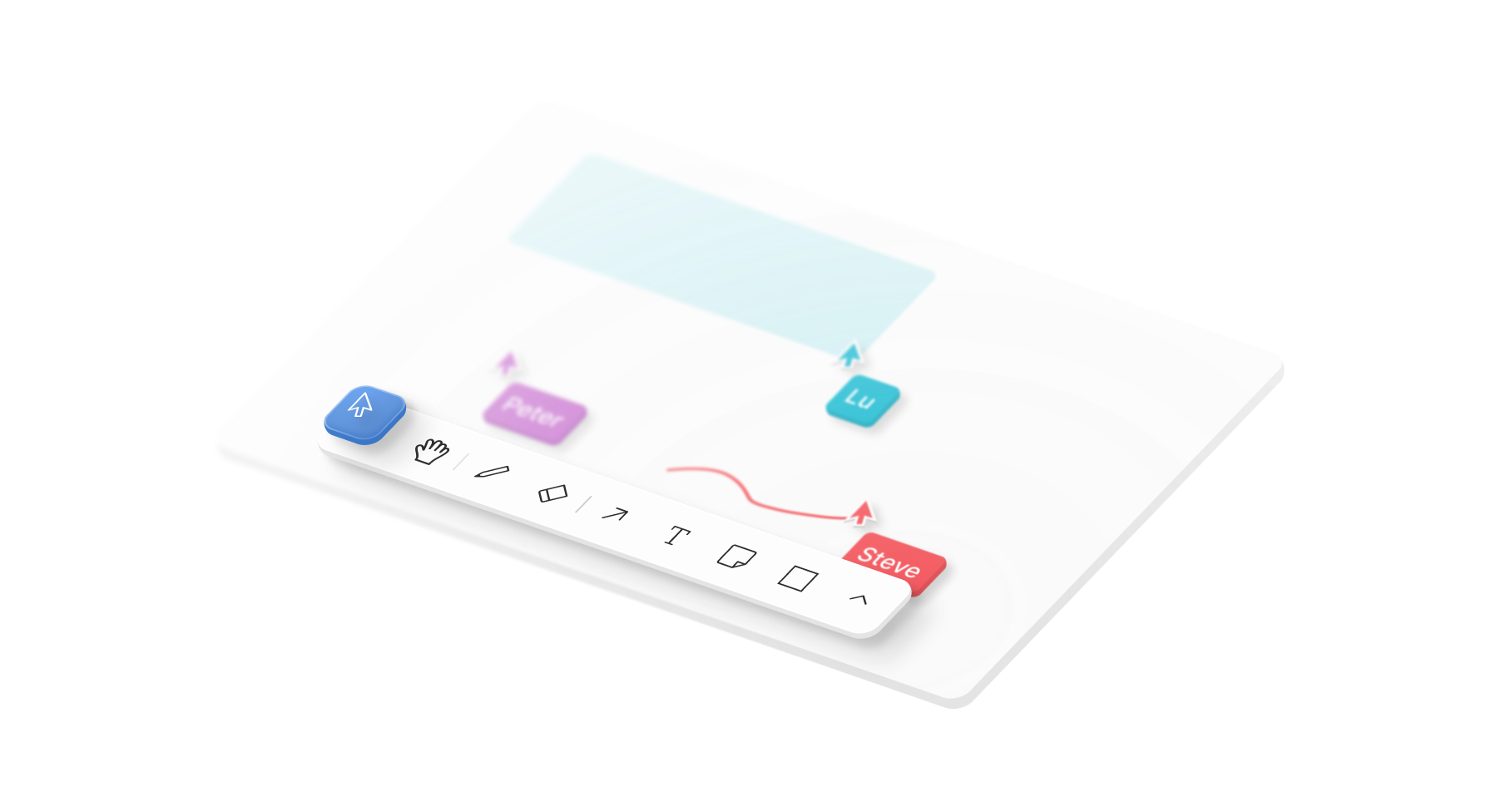
Collaborative whiteboards
Real-time drawing and diagramming tools where multiple users can contribute simultaneously.
Educational canvases
Shared learning environments for remote teaching, brainstorming, and visual collaboration.
Design review platforms
Interactive design collaboration spaces with persistent sessions and asset sharing.
Project planning tools
Visual project management interfaces with real-time updates across team members.
Interactive documentation
Living documents that teams can annotate and modify together in real-time.
Shader
WebGL shader backgrounds that respond to shapes and interactions on the canvas.
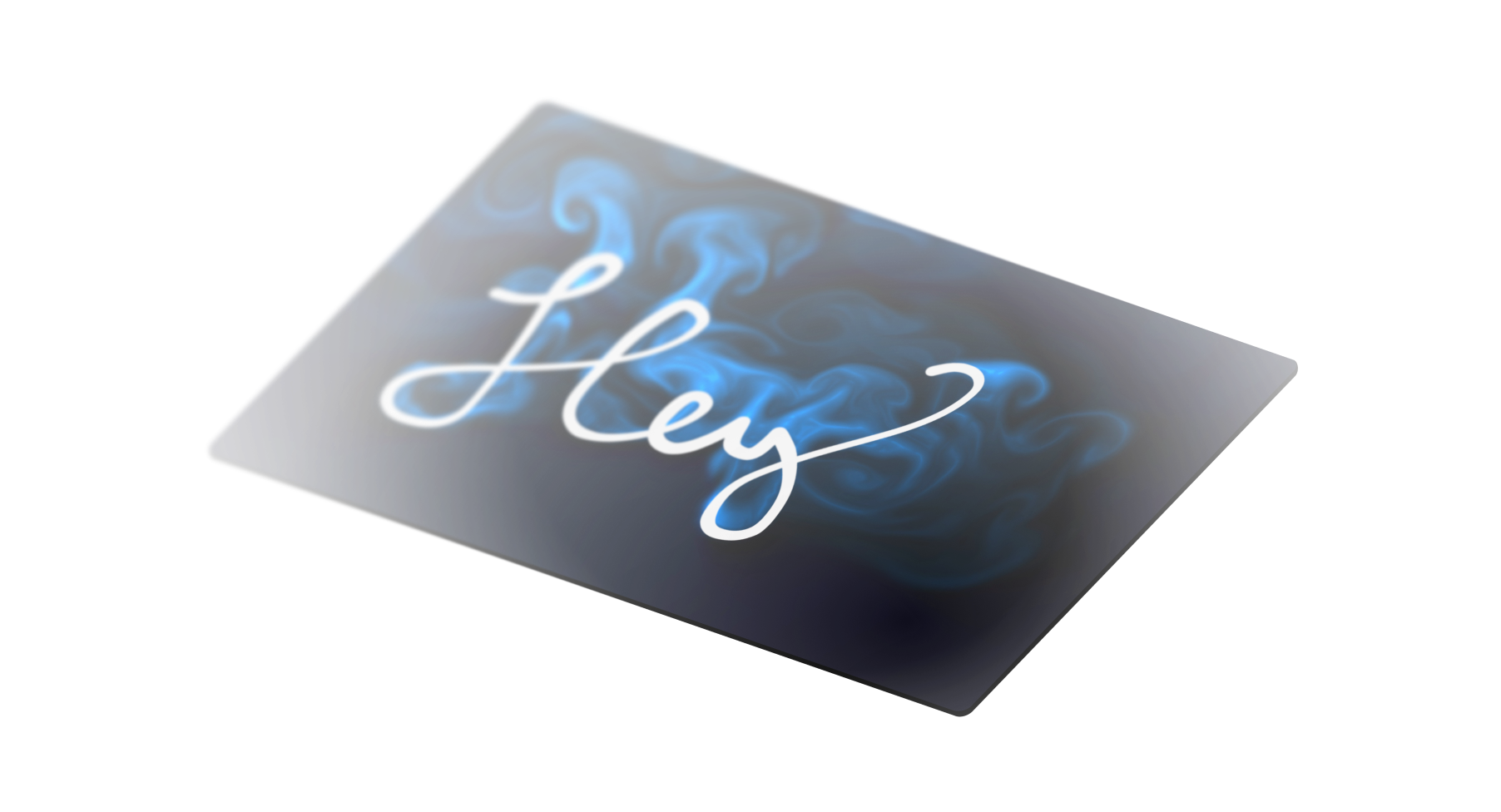
Immersive creative tools
Layer animated, touch-responsive backgrounds behind your drawing UI for design or storytelling apps.
Data-rich dashboards
Highlight state changes or live metrics using GPU-driven gradients and particle systems that react to editor data.
Games and interactive experiences
Combine tldraw shapes with shader-based effects to build puzzle overlays, interactive maps, or ambient scenes.
Live events and streaming overlays
Drive real-time graphics for broadcast overlays or virtual stages that react to presenter actions.
Educational demos
Teach graphics concepts with interactive examples that expose shader parameters through the config panel.
Why build with starter kits
Ship features in weeks, not months
Skip the months of research and implementation. Each kit provides tested solutions for complex canvas interactions.
Production-ready from day one
Start further, prototype faster. Get extra features, patterns, and components relevant to your use-case.
Built for customization
Use as a reference or the foundation for something new. The starter kit code is MIT licensed and free to hack with.
Validated by engineering teams
Built around common use cases. Every component uses the SDK's extensible APIs. Add custom shapes, tools, and behaviors on top.
Starter kits use the same license as the tldraw SDK.